
Mylio Hub
Welcome to SPO’s Mylio Hub!
Below, we have provided resources, tips, tutorials, and more to help you feel more comfortable with your Mylio library.
We regularly update this page, so please check back if you need to.
If you don’t see what you’re looking for, please feel free to email us at studio@signaturephotoorganizing.com to request that we add additional information to our Mylio Hub.
Need a refresher?
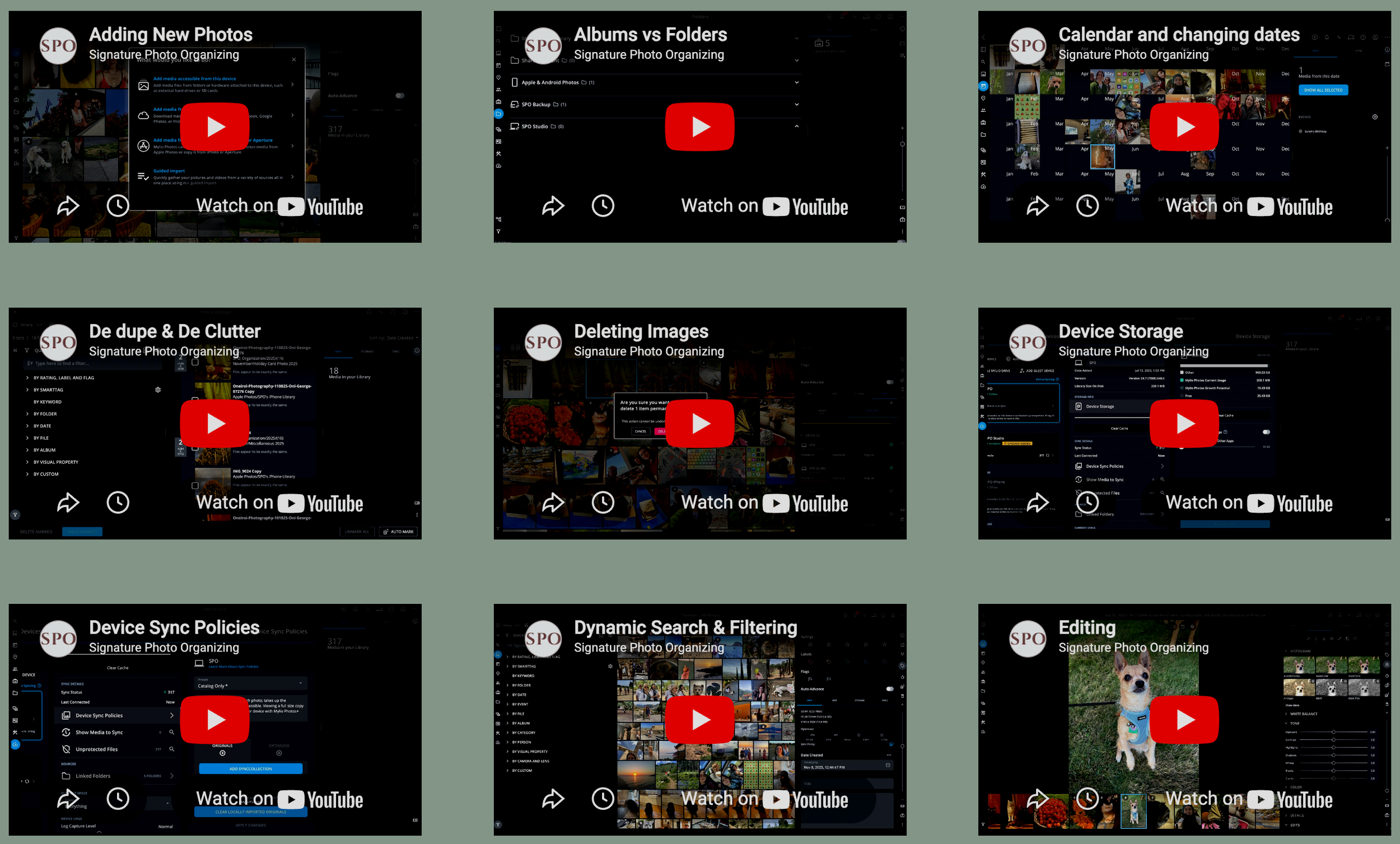
Tips, Tricks, & How-To
Common Questions
-
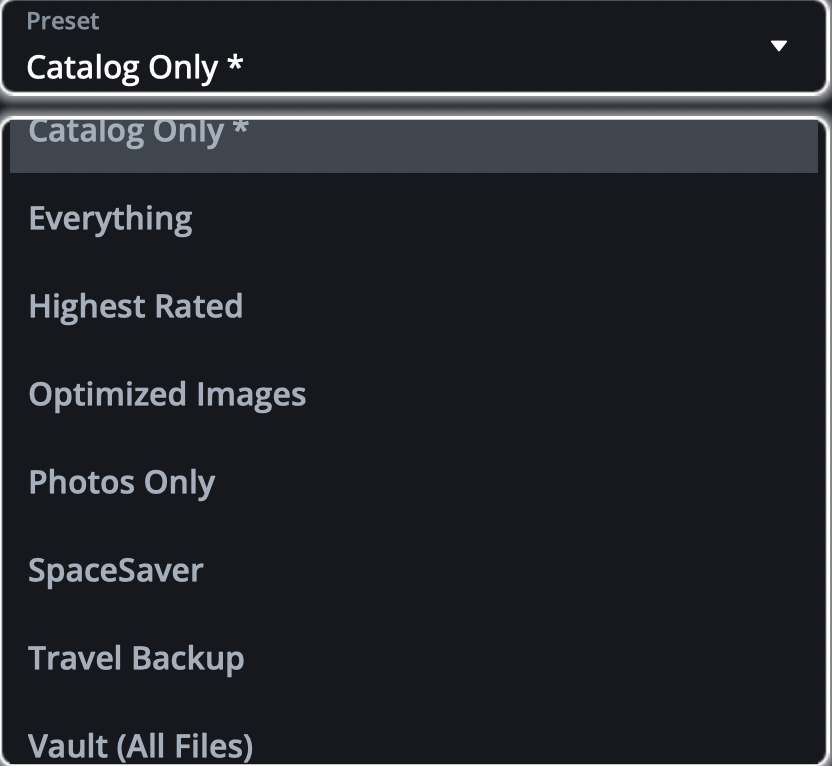
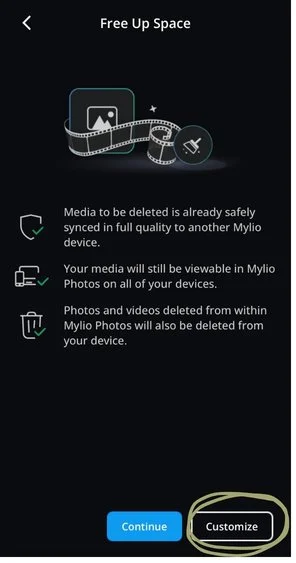
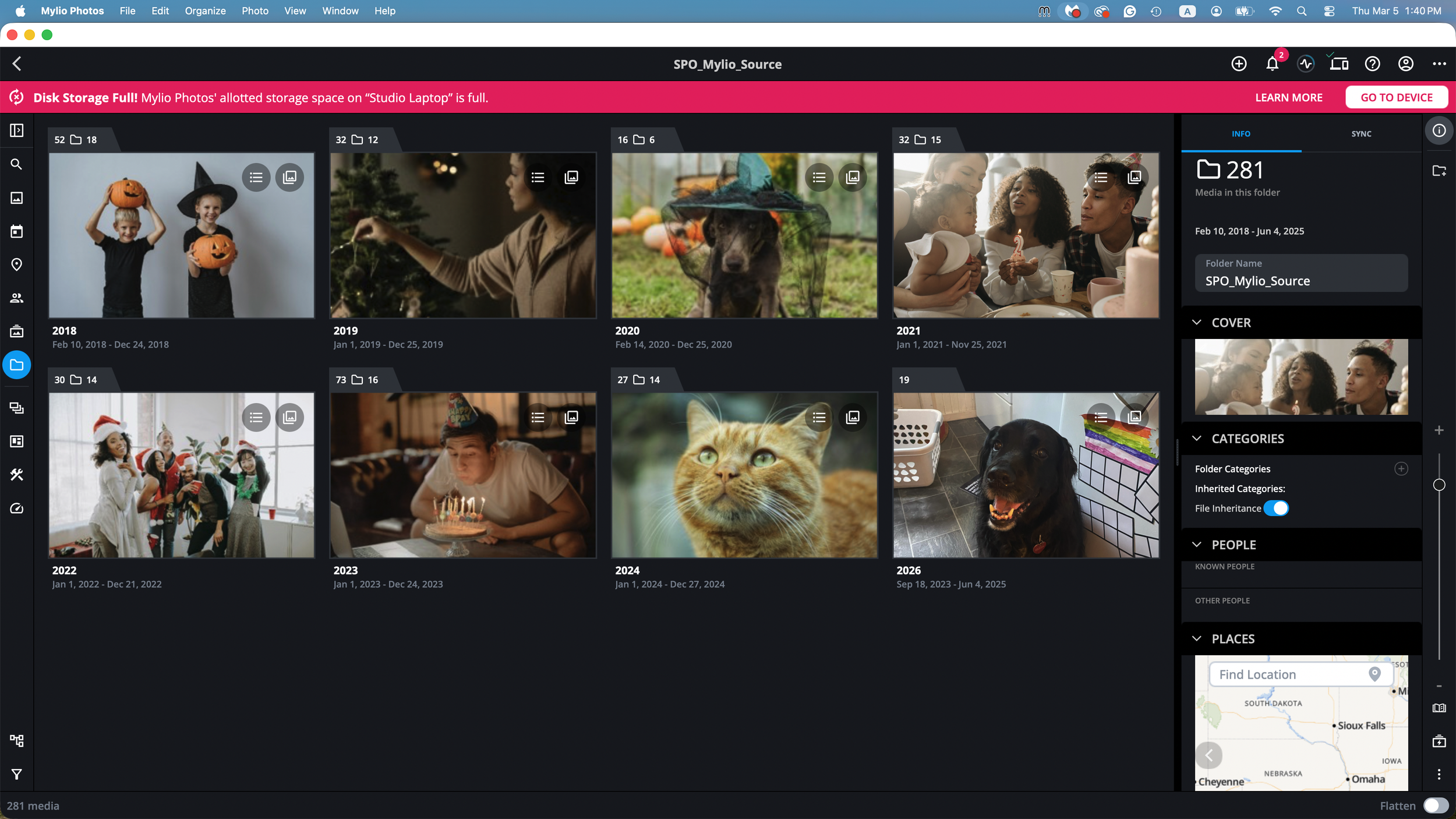
Don’t worry, this is an easy fix! You can adjust your device storage settings, clear your cache, or start cleaning up your phone. You can learn about each of these options here.
-
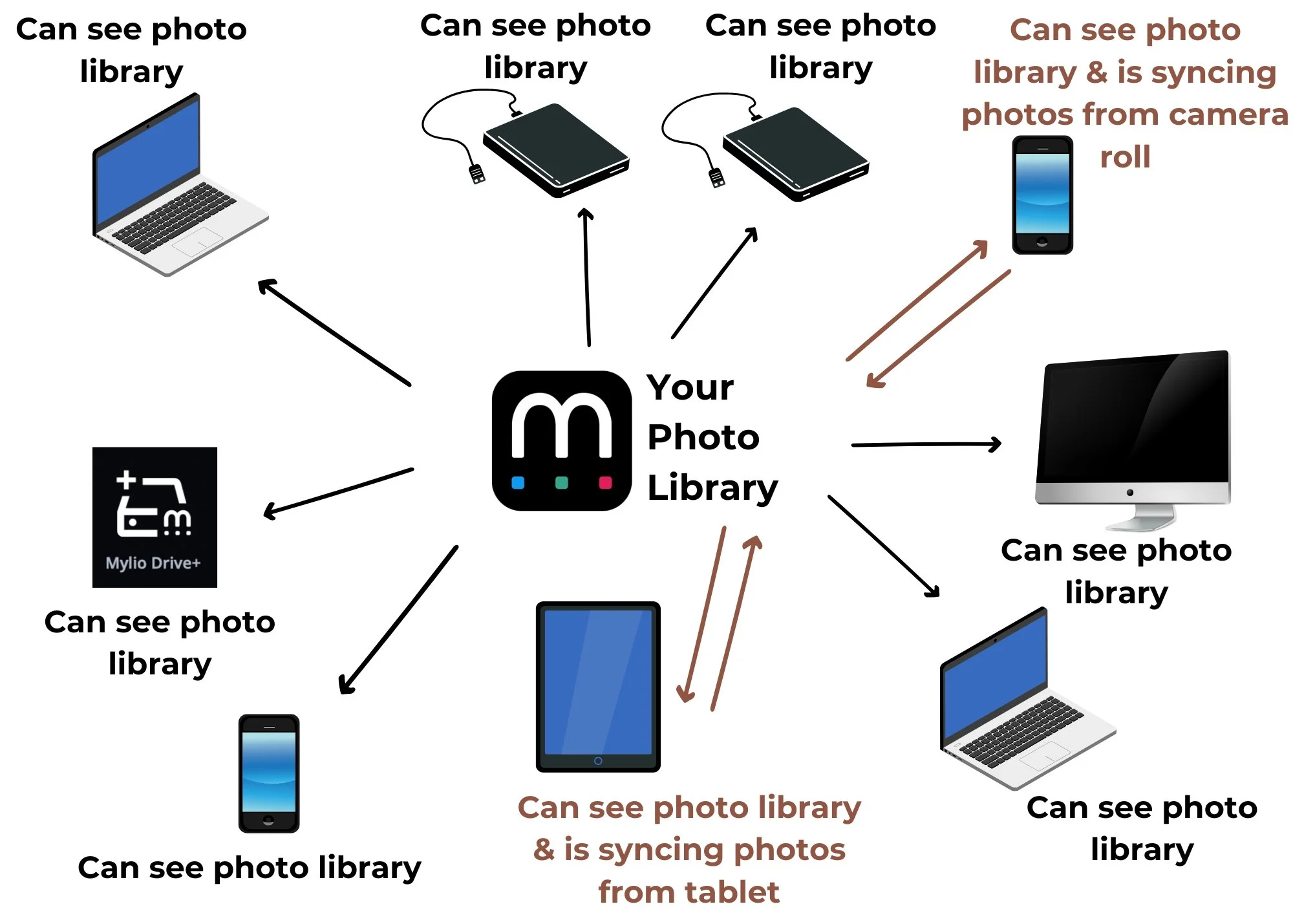
For mobile devices, all you need to do is download the app and login using the same email address your account was set up with.
For computers, follow the instructions here.
-
Open the Mylio app on your phone. If you have already imported images before from this device, any new images you’ve taken should begin to import.
If you have not imported from this device before, click the “+” button in the upper right corner and select “Connect Apple Photos” (iPhones) or “Add Media Library” (Androids).
Please note: Mylio needs to be open on your screen to sync your photos. We recommend turning the auto-lock off to ensure there are no sync disruptions.
-
You’re not alone! Even though we’ve helped you over the initial mountain of images, it can still feel daunting to manage your photos moving forward. That’s where we can help! We offer long-term image management plans so that you don’t have to worry about your photos.
Just like you bring your car in for a tune-up every now and then, or you go to a hairdresser to get a haircut when needed, your photo library may need a little professional refresh from time to time.
Troubleshooting Your Mylio

Long Term Image Management
Even though you’ve gotten over the initial mountain of photos and organizing, it can still feel daunting to manage your own images long term. Thats where we come in! If your car needs regular tune-ups from a mechanic, or you go to a hairdresser to get your haircut when needed, it makes sense that your photo library would need a little professional refresh from time to time.
Whether you’re looking for a little guidance, or full management, we have a plan to help!

System Requirements
If you have an older computer or phone, it may not operate in Mylio properly. Ensure your operating system meets Mylio’s requirements below.
-
Windows 10 version 21H2 and later (64-bit only), Windows 11
DirectX 12-capable GPU
4GB GPU RAM
64 GB of available hard drive space (minimum)
8 GB of RAM (16+ GB recommended)
-
Android 11 and later (64-bit only)
-
macOS Big Sur (11) and later
Macs with a Core i5 processor or better
64 GB of available hard drive space (minimum)
8 GB of RAM (16+ GB recommended)
-
iOS 16 and later