
Thoughtful photo organizing for peace of mind

Jennifer Loomis
Founder, Educator, Lead DAM Strategist, Certified Photo Manager, Board of The Photo Managers, Masters in Photojournalism, 32 year professional photographer, Founder of Maternity Photography genre, Author, Boy mom
Photo organizing by professional photographers for families and businesses. Have your photos organized using the same methods photographers use. Custom photo organization that makes everything easy to find with privacy you can trust. Based in the Seattle, serving clients across the United States.
Our mission is to support you in your journey to honor, curate, preserve, and bring life back to the photos that matter most
Photo Organizing Services
-

PHOTO ORGANIZING
We turn your scattered photos into one simple, organized collection (prints or phone photos).
-

SCANNING of Prints
Professional scanning of your family photos, albums and slides.
-

ALBUM CREATION
Heirloom-quality albums designed and made from your photos. Do one a year for the kids!
Photo organizing projects for families typically start around $2500.
For businesses, please schedule a Discovery Call.
Our Client Testimonial
Learn why one client hired us as photo organizers to help her organize and unlock her family memories by organizing her digital photos.

What Our Clients Have to Say
-
![A woman with long black hair wearing a pink traditional dress with floral embroidery, standing outdoors against a blurred background of trees and greenery.]()
"I knew my photos were in great care with Jennifer and Sarah."
-Maria, 2023
-
![An elderly man standing with his hands in his pockets and an elderly woman hugging him from behind in a home interior with neutral decor.]()
"Working with Jennifer and her team was a delight. They were very competent, efficient, and thoughtful. Would highly recommend."
-Kathryn, 2025
-
![A woman with short curly dark hair, smiling, wearing a black T-shirt, walking outdoors in an urban setting.]()
"SPO was punctual, thorough, and knowledgeable, guiding us on physical items with care. Truly pro—Excited for the next project!"
-Jessica, 2025
-
![A young woman with shoulder-length brown hair smiling outdoors near a body of water on a sunny day.]()
"This is the service you didn't know you needed. Who better to help me with my old photos than photographers, I mean, it makes sense! The Signature Photo Organizing team do a great job. "
-Chelsea, 2024
-
![A man with glasses and a nose piercing, wearing a black sweater, looks to the side with a slight smile. A blurred plant is in the background.]()
"They do great work and are super responsive and patient with many questions. Helped organize years of digital photos and put together a great album too. Highly recommended"
-Evan, 2025
-
![An elderly woman with curly white hair smiling and holding a photograph of herself when she was younger, sitting on a dark green sofa with yellow pillows.]()
"I had photos everywhere. Jennifer organized everything to hand down to my children. I am no longer leaving them a mess."
-Debbie, 2024
-
![Photo organizing client]()
"Thank you so much for this incredible gift. I am forever grateful."
I'm very happy and grateful for the final result! It's actually a pretty emotional process to scan back through the selections, almost like doing a life review <3 We've been so busy growing our family and photos accumulate so quickly, we really have not had the privilege of looking back and enjoying the memories.
Melissa, 2026


Featured blog posts


sample FAQs
-
A photo organizer helps you bring order and ease to your photo collection—both digital and print—by sorting, curating, organizing, and safely preserving your images. At Signature Photo Organizing, our team of professional photographers helps you transform your photos into a meaningful archive that tells your family’s story.
-
If you’re feeling overwhelmed by thousands of digital photos or boxes of prints, you’re not alone. We bring expertise, systems, and care to simplify the process, saving you time and ensuring your memories are preserved for generations.
-
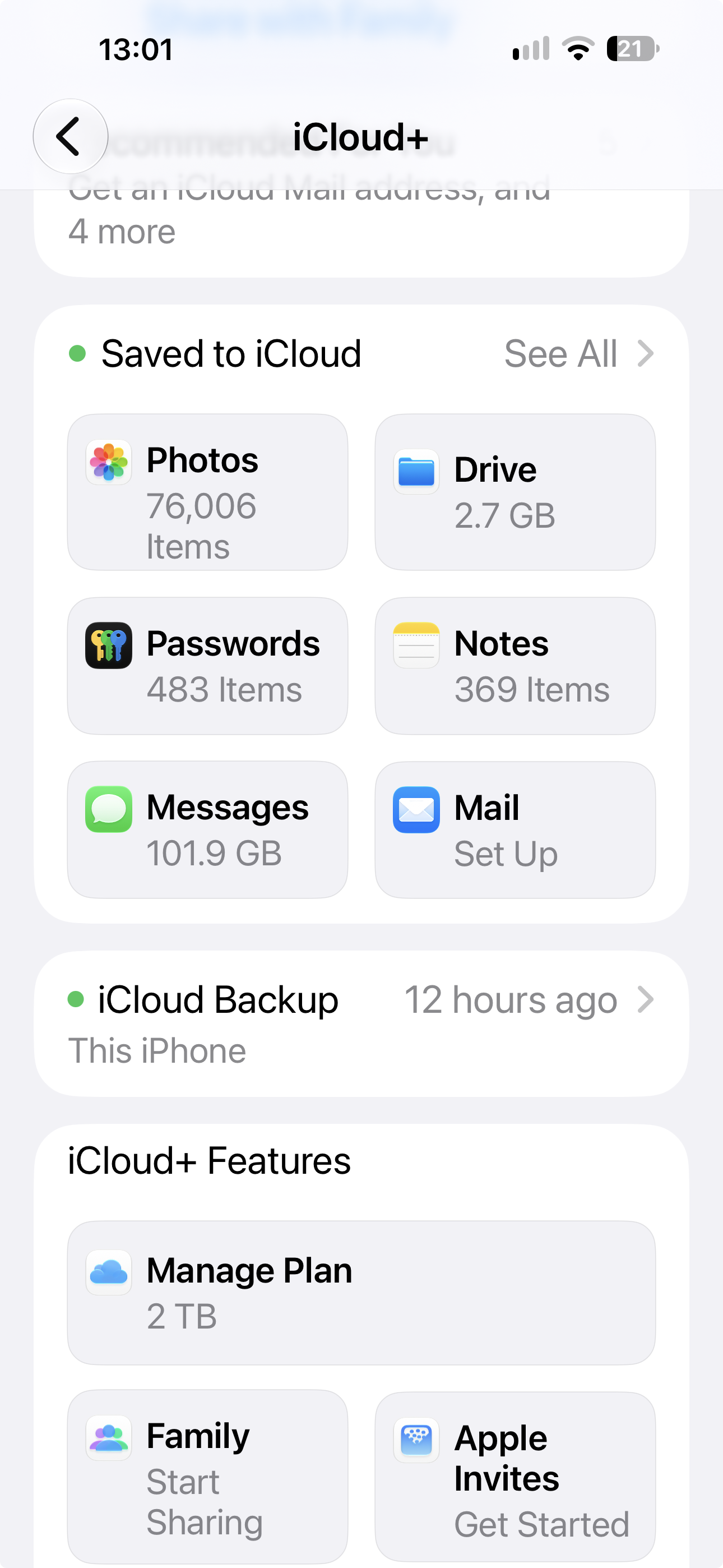
We work with iPhones, Android devices, computers (Mac and PC), cloud services like iCloud, Google Photos, Dropbox, OneDrive, Amazon Photos, and external hard drives. If your phone or computer is 10+ years old, there may be limitations to the software available for your device’s system. We can discuss these limitations and find the right solution for you.
-
Once your project is complete whether scanning or organizing your digital photos, we deliver your organized photo collection on external hard drives. Our standard approach is to provide two copies of your organized collection on separate drives, giving you a primary copy and a second copy for redundancy.
There are two primary ways we can structure and deliver your collection, depending on how you want to access your photographs.
Option 1: Through Mylio Photos
For clients who want a more comprehensive Digital Asset Management (DAM) system, we often recommend Mylio Photos. Mylio allows you to organize, browse, search, and access your photographs across multiple devices.
Your hard drives can be configured as Mylio Vault storage, which holds your original-resolution photographs and provides access to those originals through your Mylio library. You can then use Mylio to browse and manage your collection without having to manually navigate through folders.
This is particularly useful for families who want to search by people, dates, events, or locations and continue adding photographs to their collection over time.
Option 2: As a traditional folder-based collection
If you prefer not to use additional software, we can deliver your photographs as a traditional folder-based collection on external hard drives.
Your photographs will be organized into clearly labeled folders, typically by year and then by the additional categories we've established together. You can plug the hard drive directly into your computer and browse your photographs just as you would any other files.
This is a straightforward approach for clients who prefer to manage their photographs through their computer's existing file system.
Which option is right for me?
That depends on how you want to use your photographs. If you want to search, browse, and manage a growing collection across multiple devices, Mylio may be a good fit. If you simply want an organized collection of files that you can access directly from your computer, a folder-based system may be all you need.
We'll help you determine the best approach before the project is complete so that your photographs are delivered in a format that makes sense for you.
-
No. We will create a separate folder outside of your photo library for duplicates. This way, the duplicates do not clutter your library, but are still available for you to go through if you choose. You have final approval before anything is deleted.