Red or Blue Highlights on Images
If you notice red or blue marks on your images, this just means you’ve activated Mylio’s Histogram tool, which shows you clipping on your images.
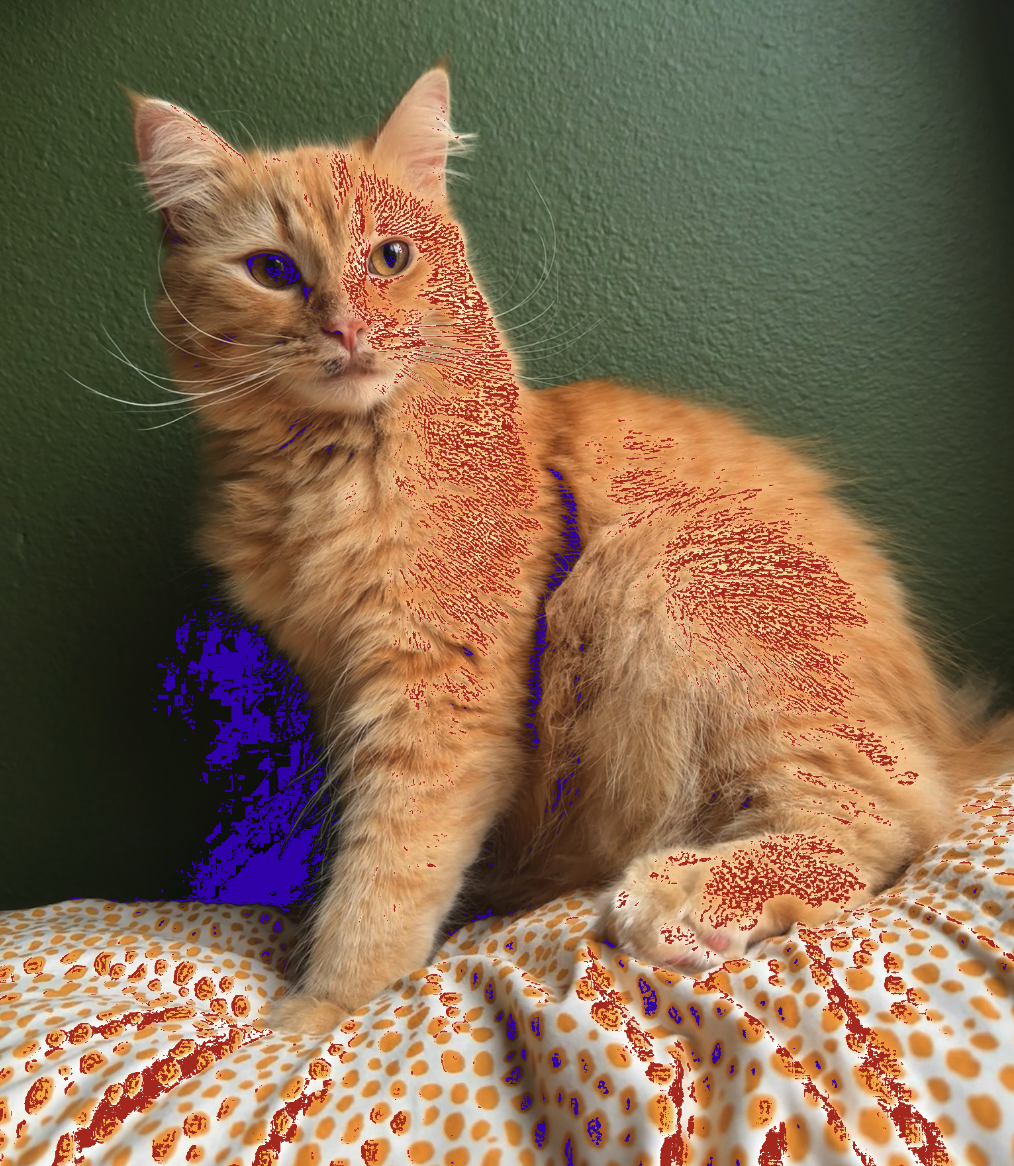
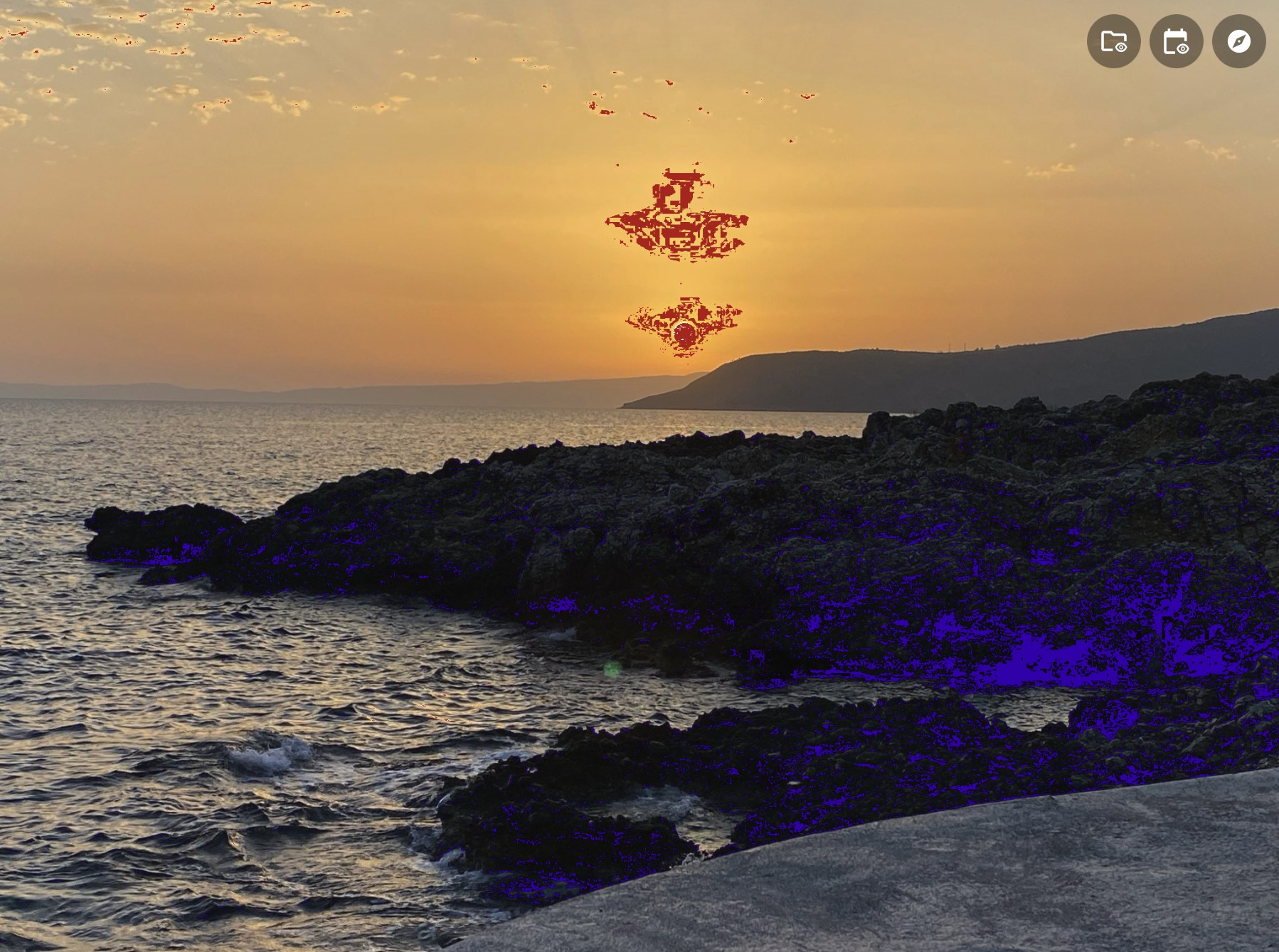
The easiest way to make the blue and red marks disappear is to use the keyboard shortcut by clicking the “J” key on your keyboard.
You can also go to the Edit Panel and click on the black or white dots in the Histogram.
You can learn more here.