How do you check how many photos are on your iPhone?
We often get this question and so have written a blog post to help you check the number of photos you have on your iPhone as well as a post to show you how to make sure your iPhone is backed up to the iCloud. In this blog we will cover simple steps to checking your iPhone for the number of photos you have. This is an iPhone 11 Pro with OS 17.3.1.
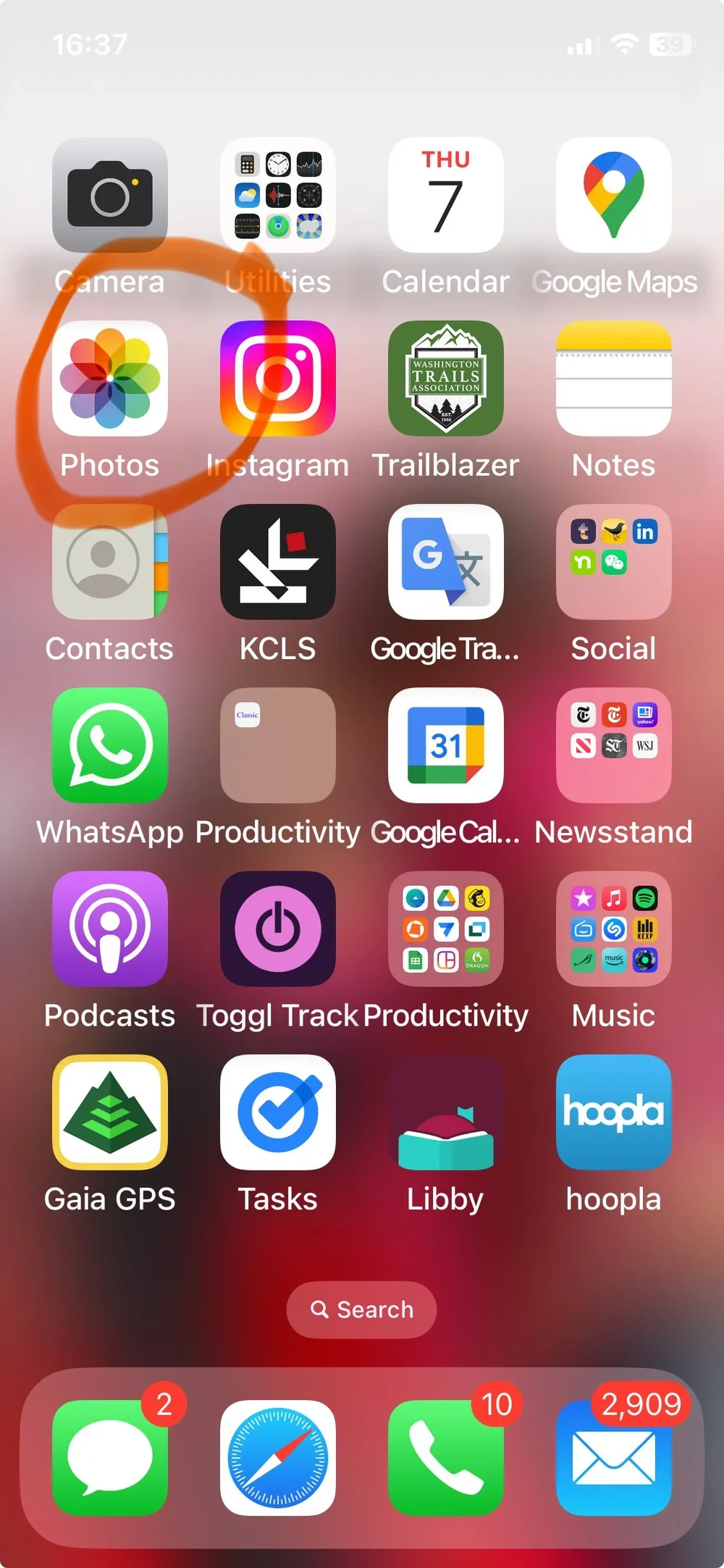
Step One. Click on the Apple Photos Icon.
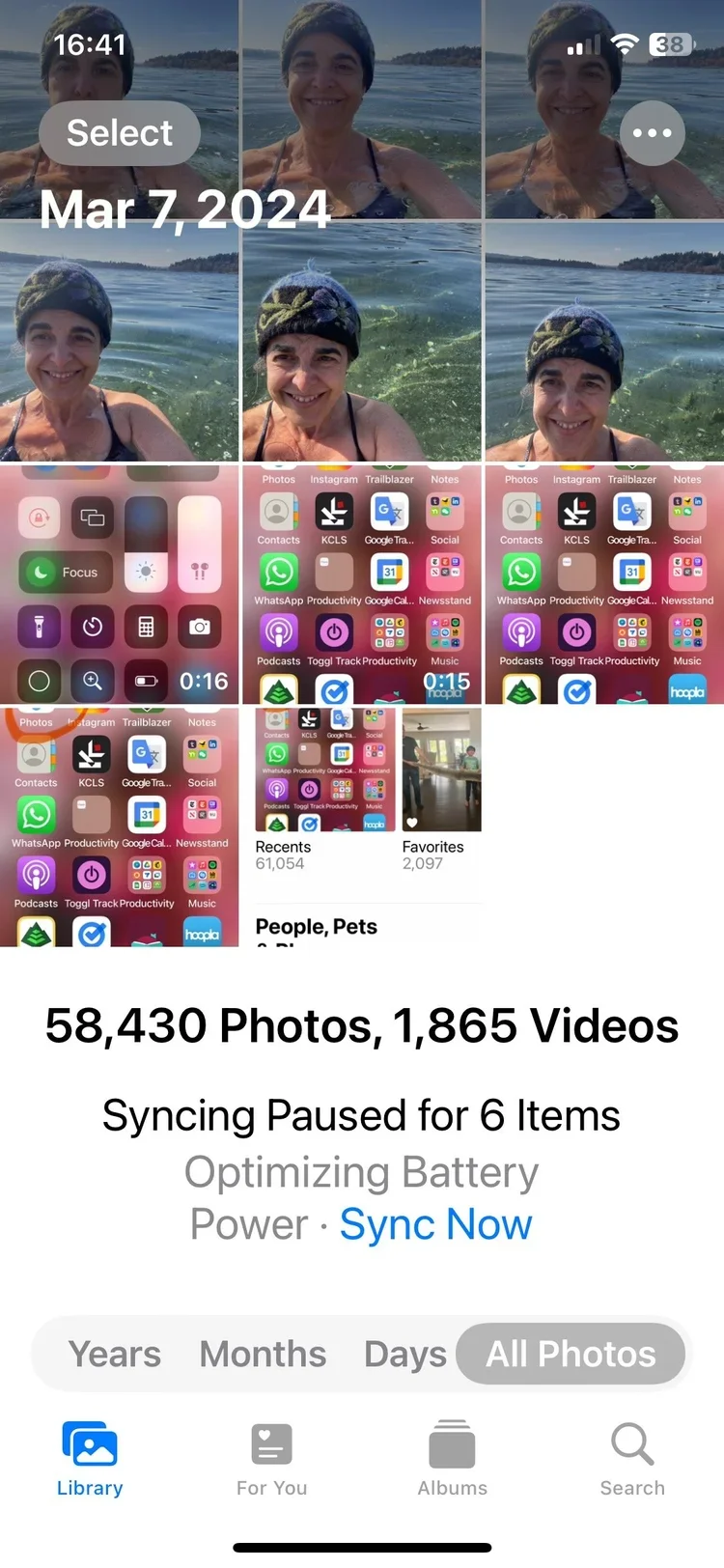
Step Two. Click Library and All Photos. You should see the total number of photos you have on this iPhone. For this phone it is 58,430. That’s a lot!