How to Download from Amazon Photos
Are your images in Amazon Photos? Here are a few easy steps for downloading them:
1.) Open Amazon Photos. You can do this in the app or on a web browser
2.) Select the photos you want to download. (You cannot download entire albums, you must open the albums up and select the photos inside to download)
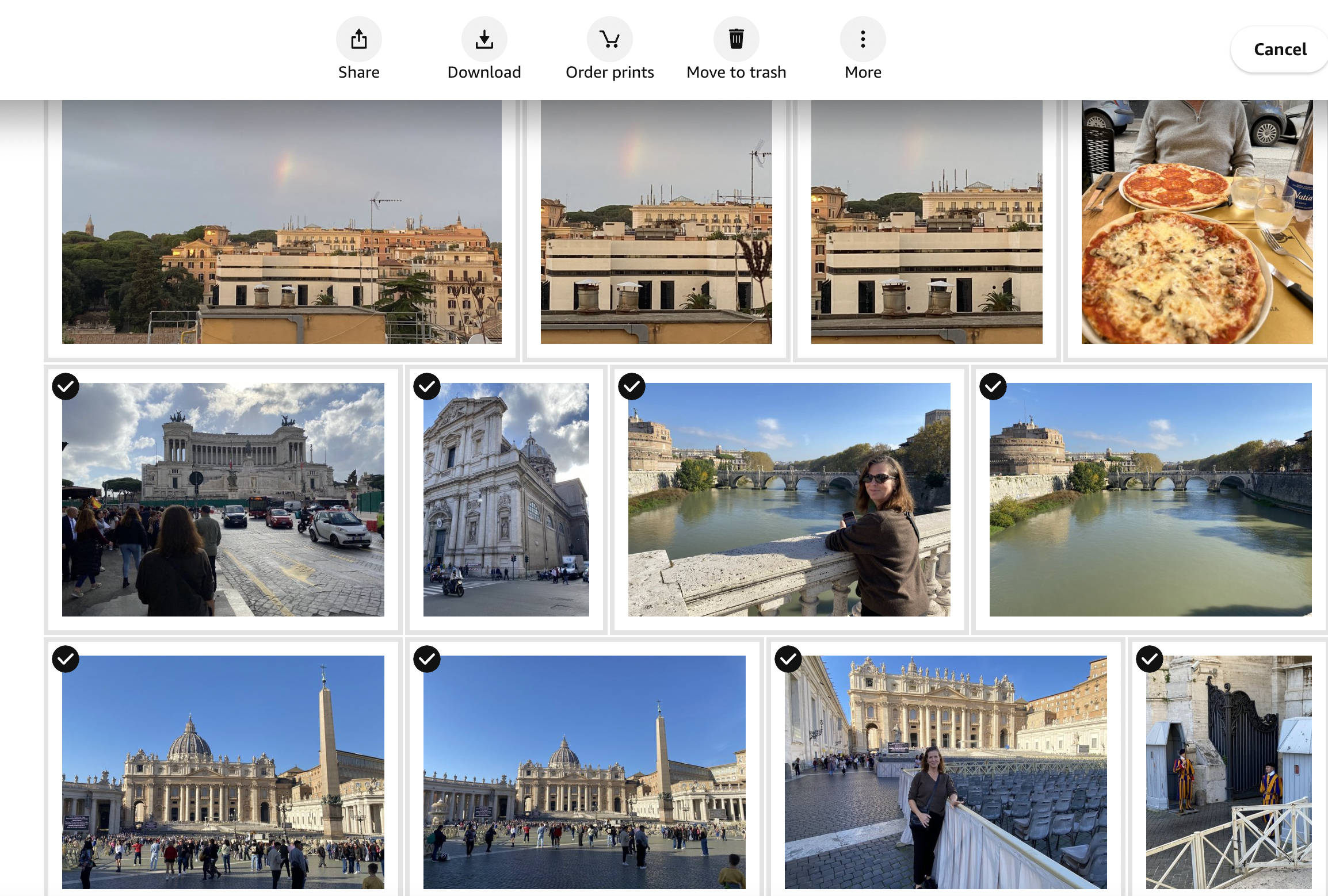
3.) Select “Download”. Your images will start to download as a .zip file