
How to Prescreen Your Photos Before Working With a Photo Organizer…And Why You Might Want To
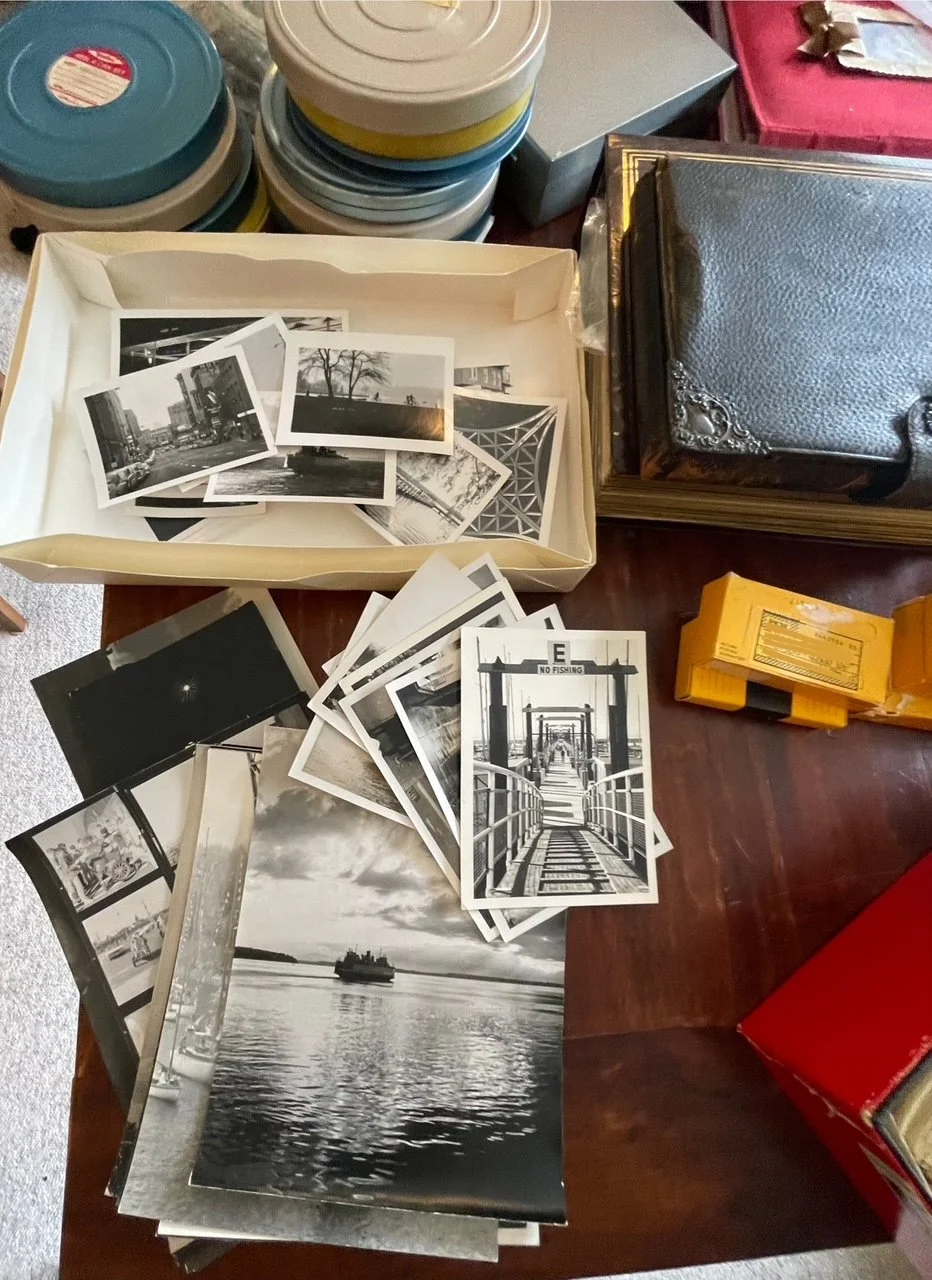
Sorting through decades of printed photos can feel overwhelming, but doing a simple prescreen before bringing in a photo organizer can significantly reduce your project cost and make the entire process much smoother. You don’t need to create order, label dates, or make perfect decisions—you just need a quick, thoughtful pass.
Here’s an easy, approachable way to get started.
Start With the Keep / Toss / Maybe Method
This method helps you move through your collection efficiently without getting bogged down in details. As you review your photos, sort them into three straightforward categories:
KEEP
Photos that hold meaning:
Family members and loved ones
Milestones and celebrations
Vacations, traditions, and special moments
Images that spark a memory or make you smile
TOSS
Photos that don’t add value to your story:
Blurry or poorly exposed prints
Duplicates and near-identical shots
Random scenery you don’t recognize
People you can’t identify
Accidental, unintentional, or unimportant images
Removing these early saves space, simplifies decisions later, and reduces the number of photos you’ll pay to digitize.
MAYBE
Anything you’re unsure about.
This pile is simply a holding place. There is no pressure, no rush. You can revisit it later or ask for guidance once a professional steps in.
Use Simple Containers to Keep the Process Tidy
As you sort, place each category into its own container. They don’t need to be archival or expensive, your photos have already lived in envelopes, shoeboxes, and paper sleeves for years. Use whatever you have on hand:
Basic photo boxes
Plastic bins
Cardboard file boxes
Even large zip-top bags, if needed
The goal is simply to keep each category contained and prevent new clutter as you move through your collection.
Keep Sessions Short
Prescreening is most effective when it’s manageable:
Work in small segments - 15 to 20 minutes at a time
Take breaks when you feel decision fatigue
Don’t worry about chronology or perfect order
Trust your first instinct about what matters
You’re not organizing—you’re just clearing the obvious clutter.
Why This Light Prescreen Makes a Big Difference
A quick pass through your photos:
Reduces project time and cost
Highlights the memories that mean the most to you
Eliminates photos that don’t need to be digitized or stored
Makes the professional organizing process faster and more efficient
Even tackling one box can create noticeable progress.
When You’re Ready, We’re Here to Help
Whether you prescreen your whole collection or only manage a small portion, a photo organizer can pick up wherever you leave off. If time is tight, or if the process starts to feel overwhelming, you can hand the entire project of. We’re happy to take it from there and guide you through the next steps no matter what level of support and help you need.